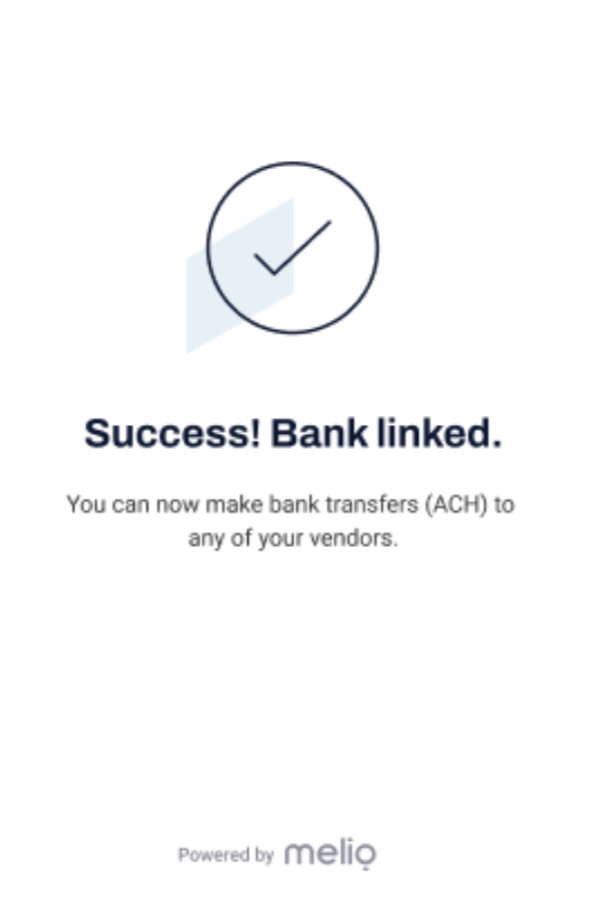
Use your online bank login details to connect your account to Built Pay.
Overview:
Before making or receiving payments to your bank account, you'll first need to link one (or as many as you’d like).
There are two ways to do it:
- Connect instantly via Plaid - this is the fastest and easiest way! All you need is your online banking credentials.
- Connect manually and verify with deposits
NOTE: Connecting a bank account takes 1-2 minutes and you'll only need to do it once.
How to add and connect your bank account automatically:
The simplest way to connect your bank account is when you make your first payment.
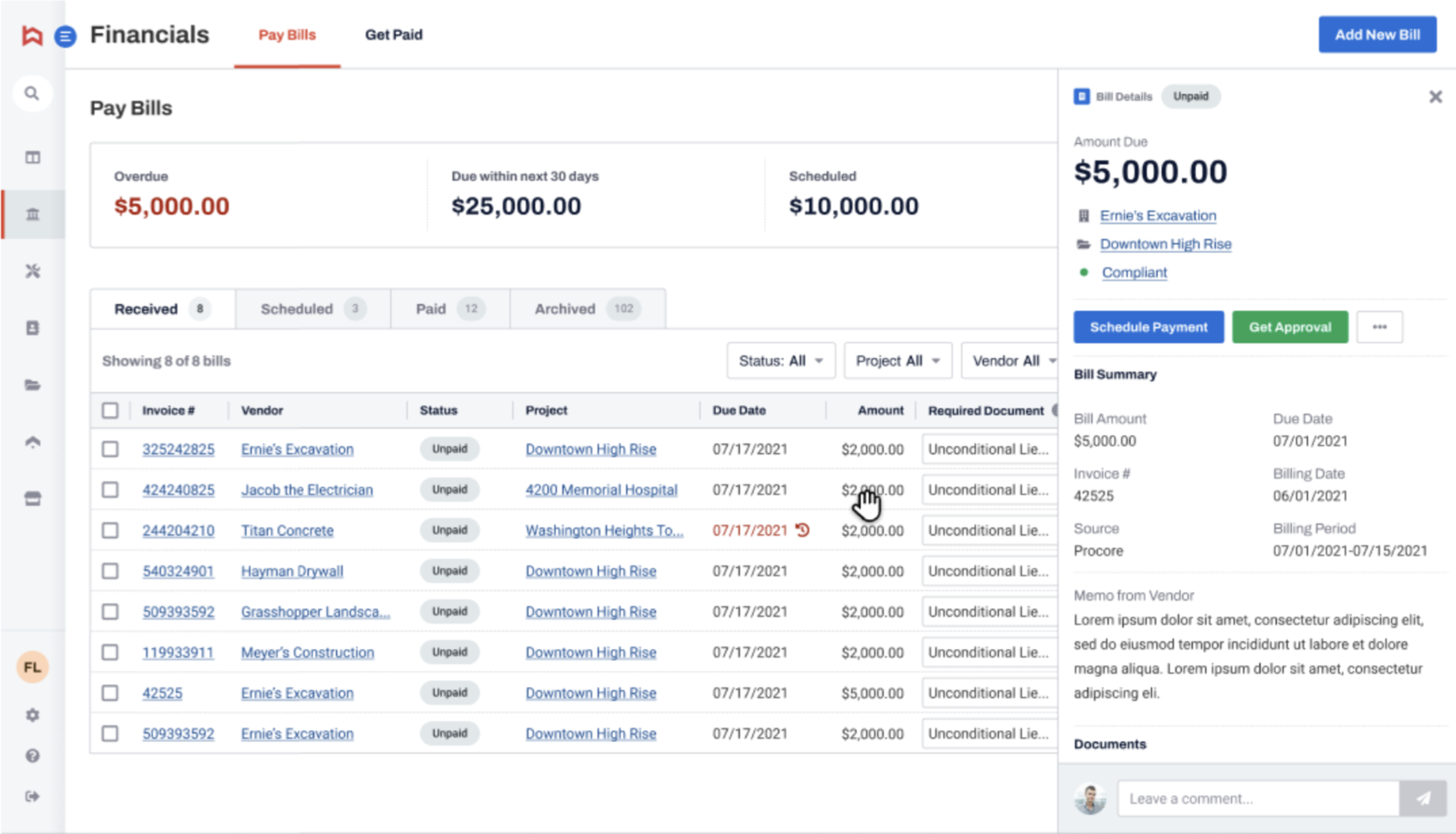
- Select a bill to pay from the Received list on your Pay Bills dashboard.
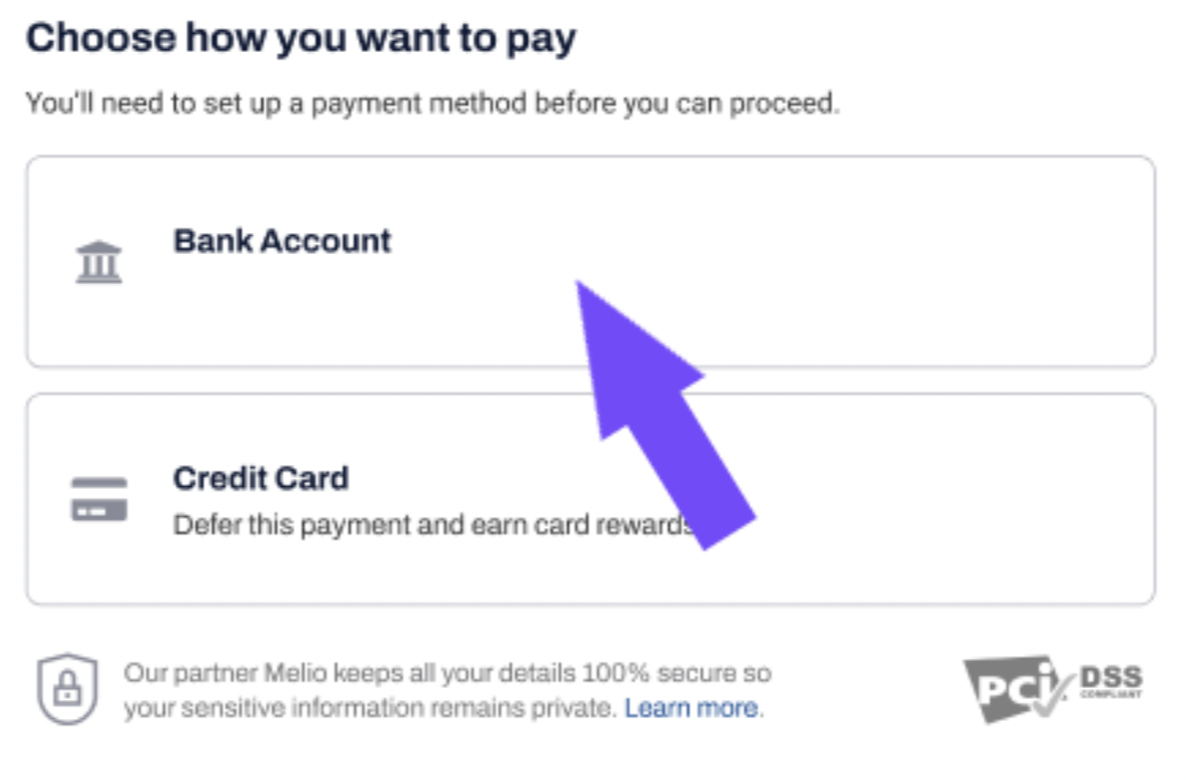
- Choose Bank Account when asked how you want to pay.
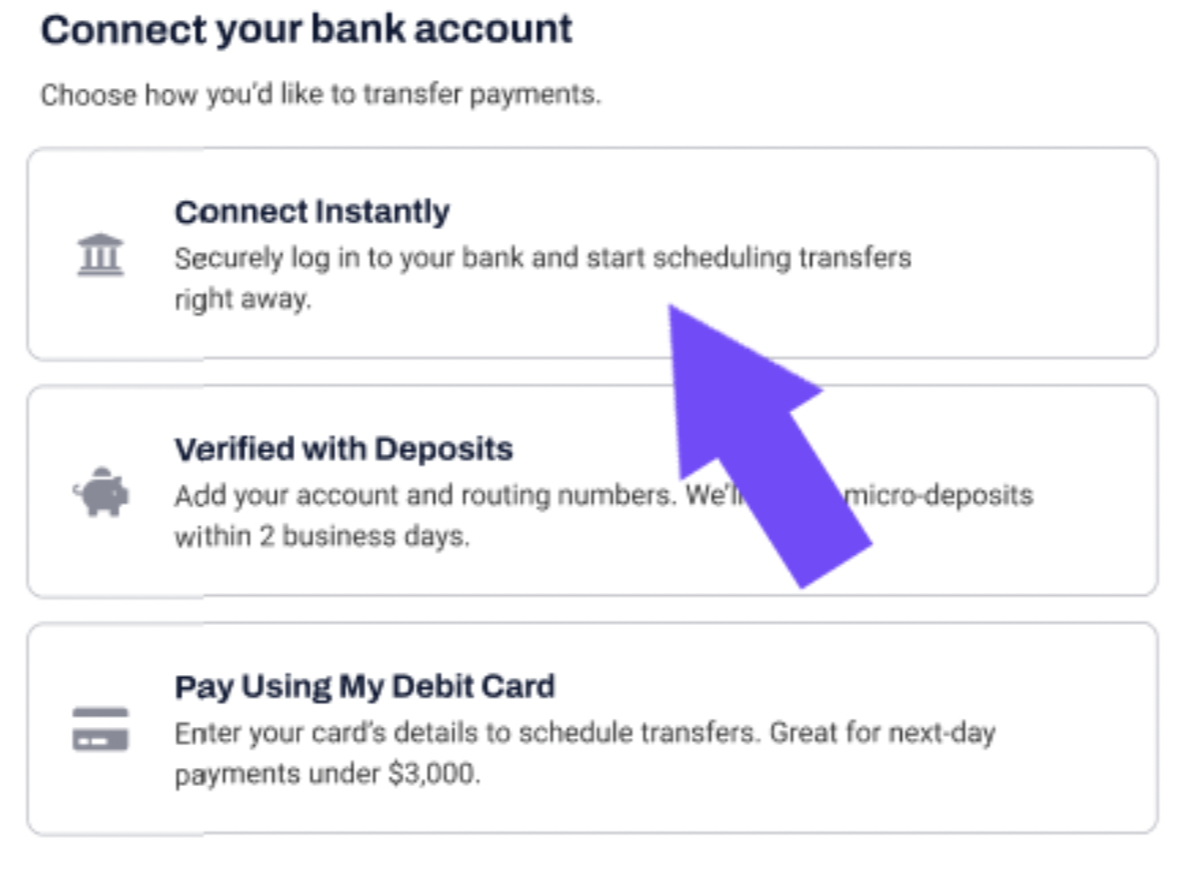
- Choose Connect Instantly when asked to connect your bank account.
- By clicking Continue you’ll allow Plaid to link your bank.
- Choose your bank from the list. Plaid is connected to the top 100 banks in the US.
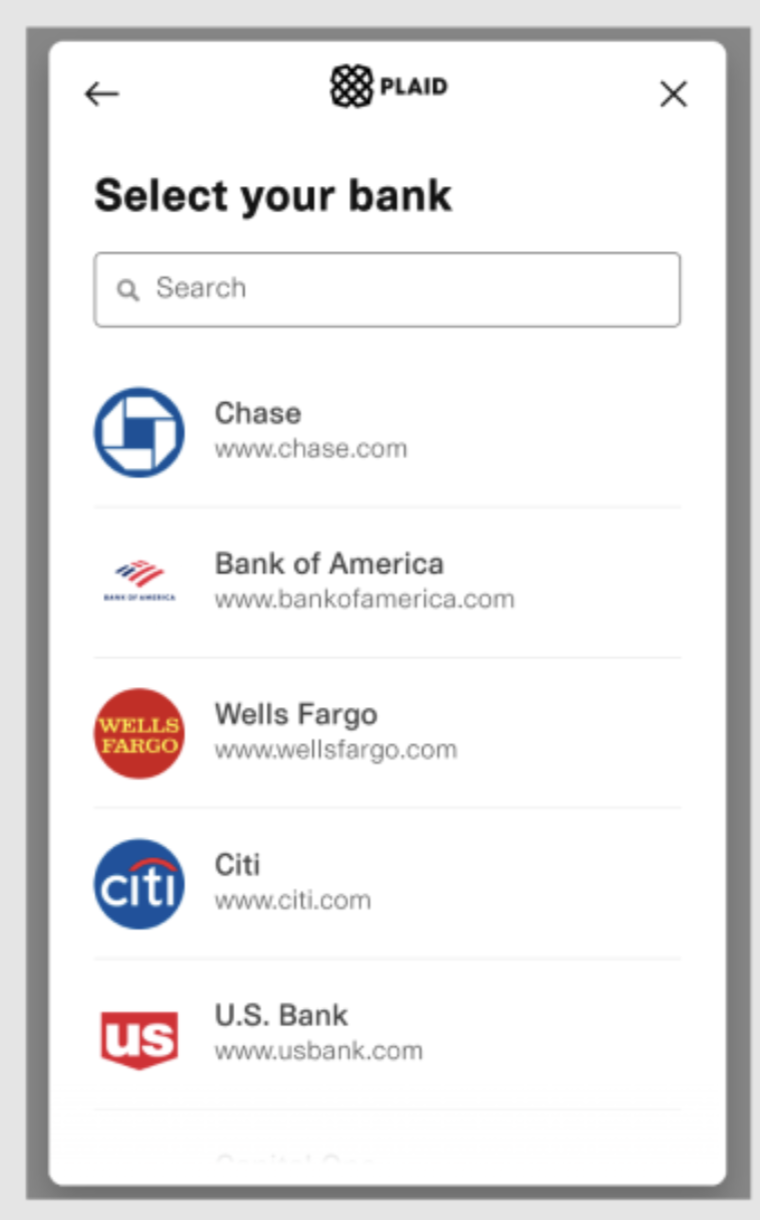
Can’t find your bank? You’ll need to manually connect your bank account.
To do it:
- Click the back arrow to go back to the Connect your bank account menu.
- Select Verified with Deposits.
- Follow the two micro-deposits verification process (find out more in our How to verify a bank account with micro-deposits article).
NOTE: You won’t be able to make or receive payments until your bank account is verified.
- Fill in your bank account login credentials and click Submit.
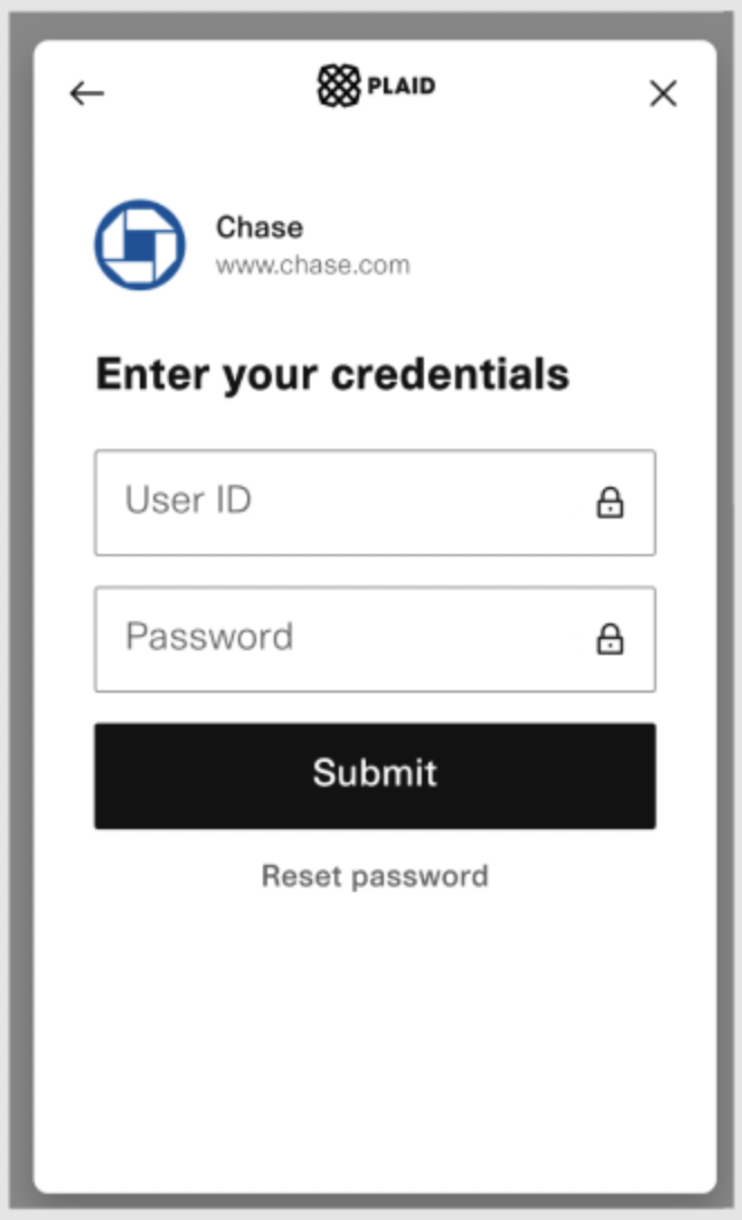
- That’s it, your bank account is connected successfully and you can start paying your bills.