Learn how your payments are delivered on your vendor’s end.
When you make a payment your vendor will be notified. This article will briefly cover the process of receiving a payment from the vendor’s point of view.
What will your vendor see?
- Notification email - An email notifying the vendor that your payment is on its way will be sent to them as soon as you complete the bill payment process.
The email will contain the payment’s information to make it easier for both you and your vendor to keep track.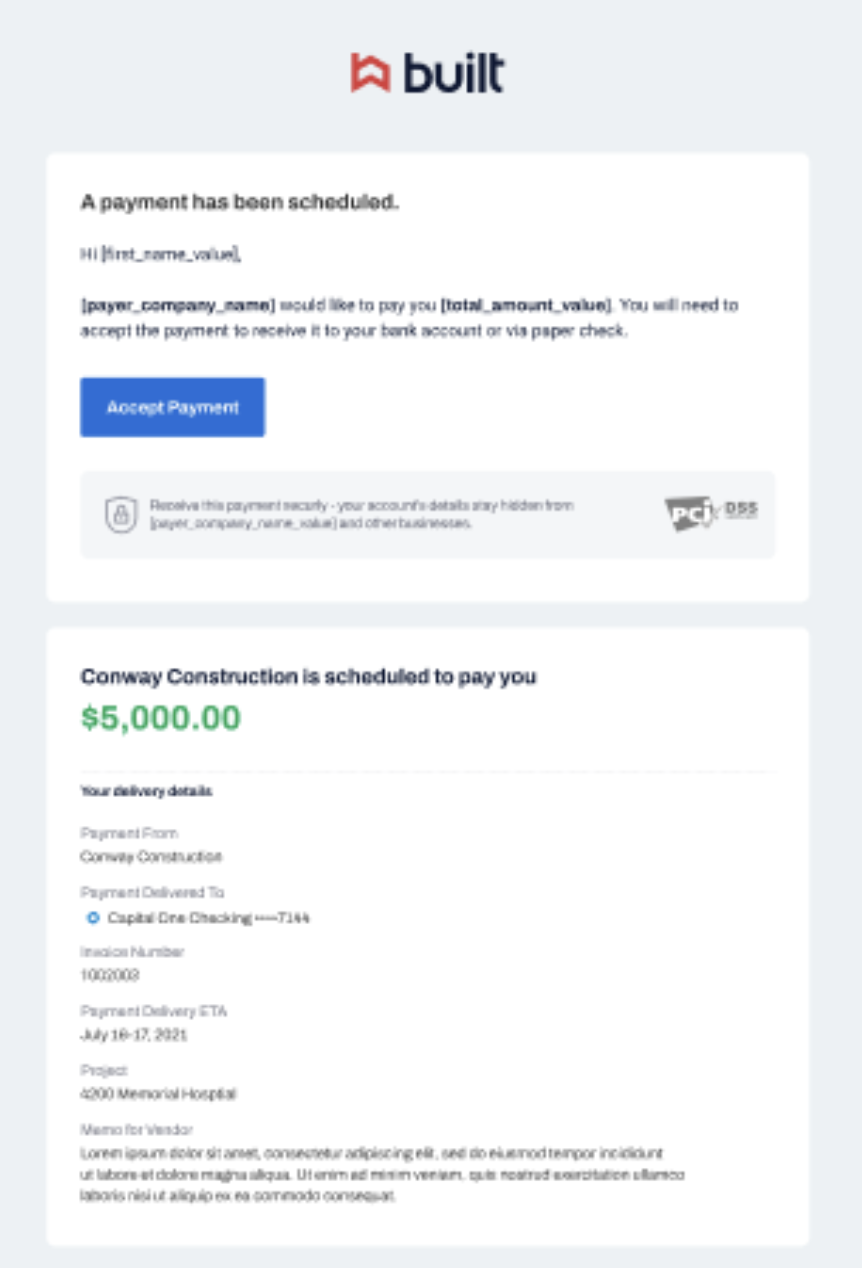
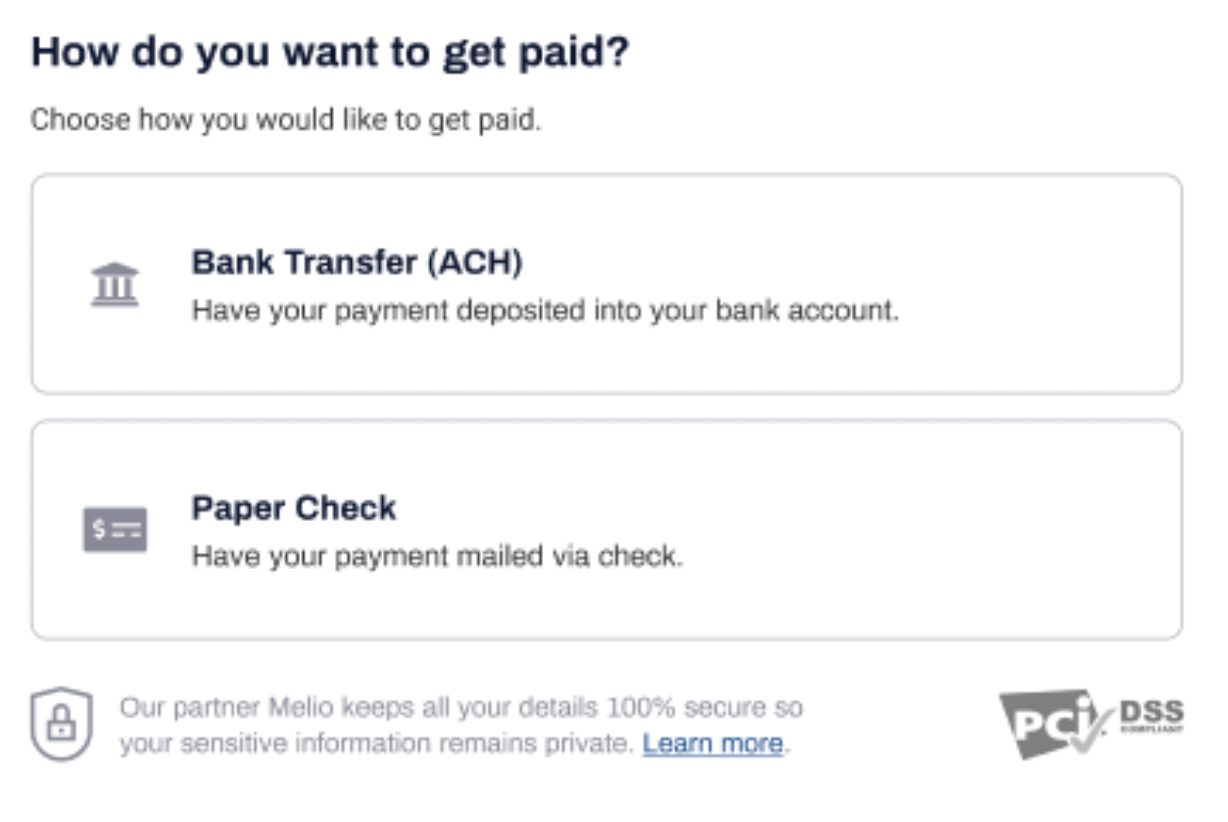
- Selection/confirmation of the delivery method - Whether you selected a delivery method or not, your vendor can decide how they want to receive your payment. This way your payment will still get to the right place, even if you filled in incorrect information or the vendor changed their preference.
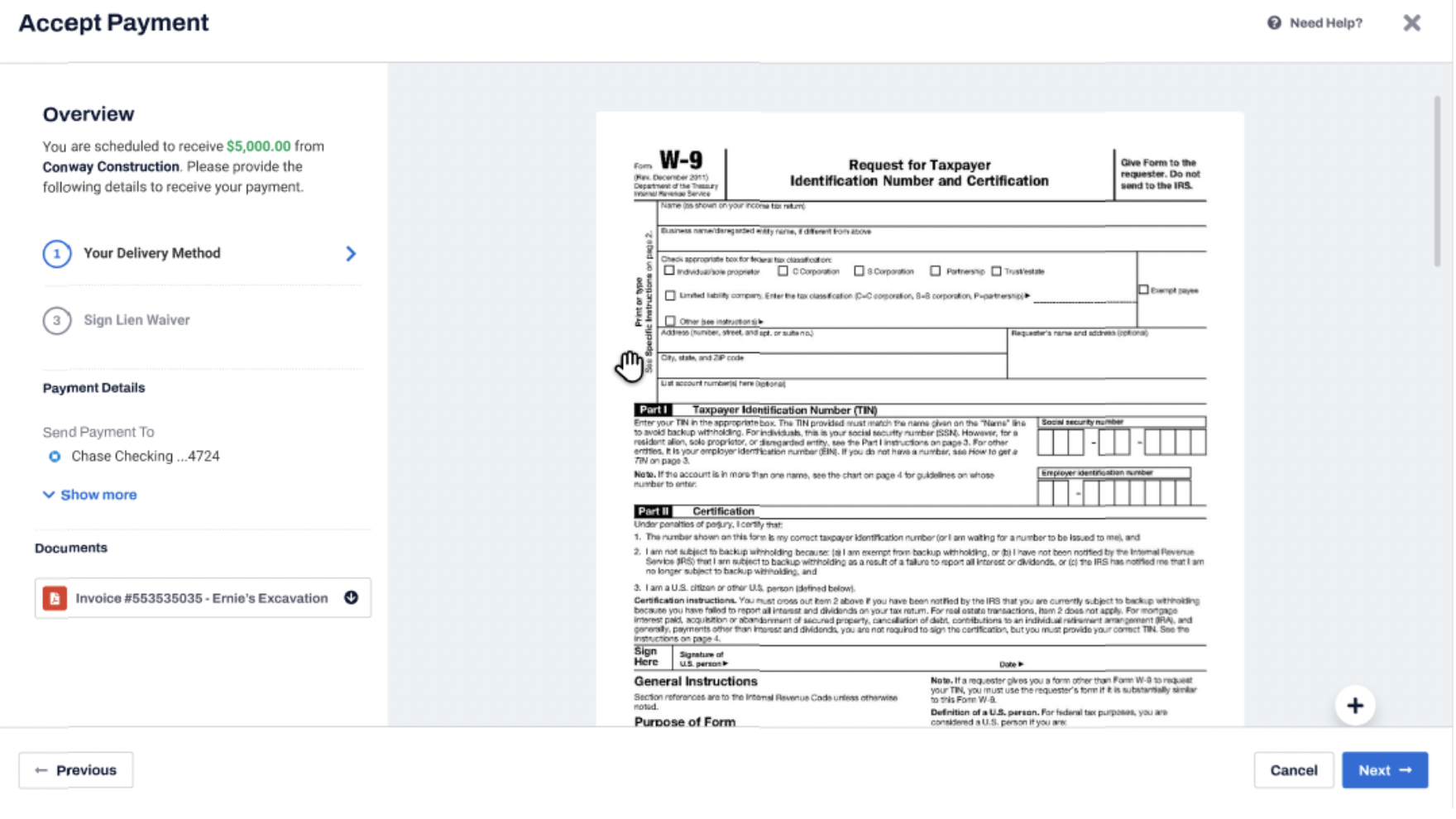
- W-9 - To receive the payment your vendor must sign a W-9 form. The form is saved in the Built Pay platform. Your vendor needs to download it and upload the signed form back to the platform.
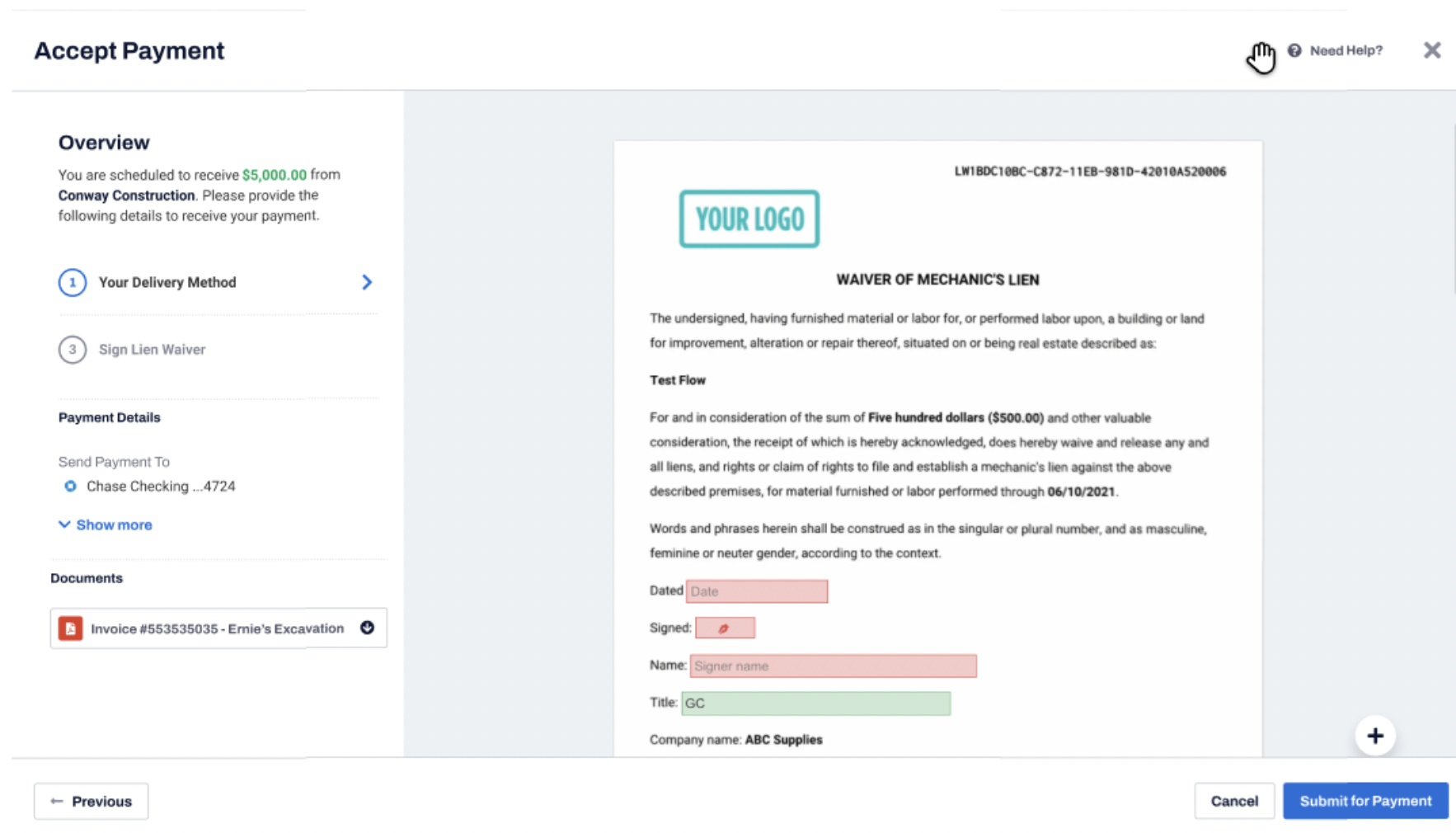
- Lien waiver - To receive the payment your vendor must sign Waiver of Mechanic’s Lien. The form is saved in the Built Pay platform for your vendor to sign online.
- Specific documents - If your vendor needs to get/sign additional documents in order to receive this payment, they will be linked here. Signed documents will be uploaded back to the platform.
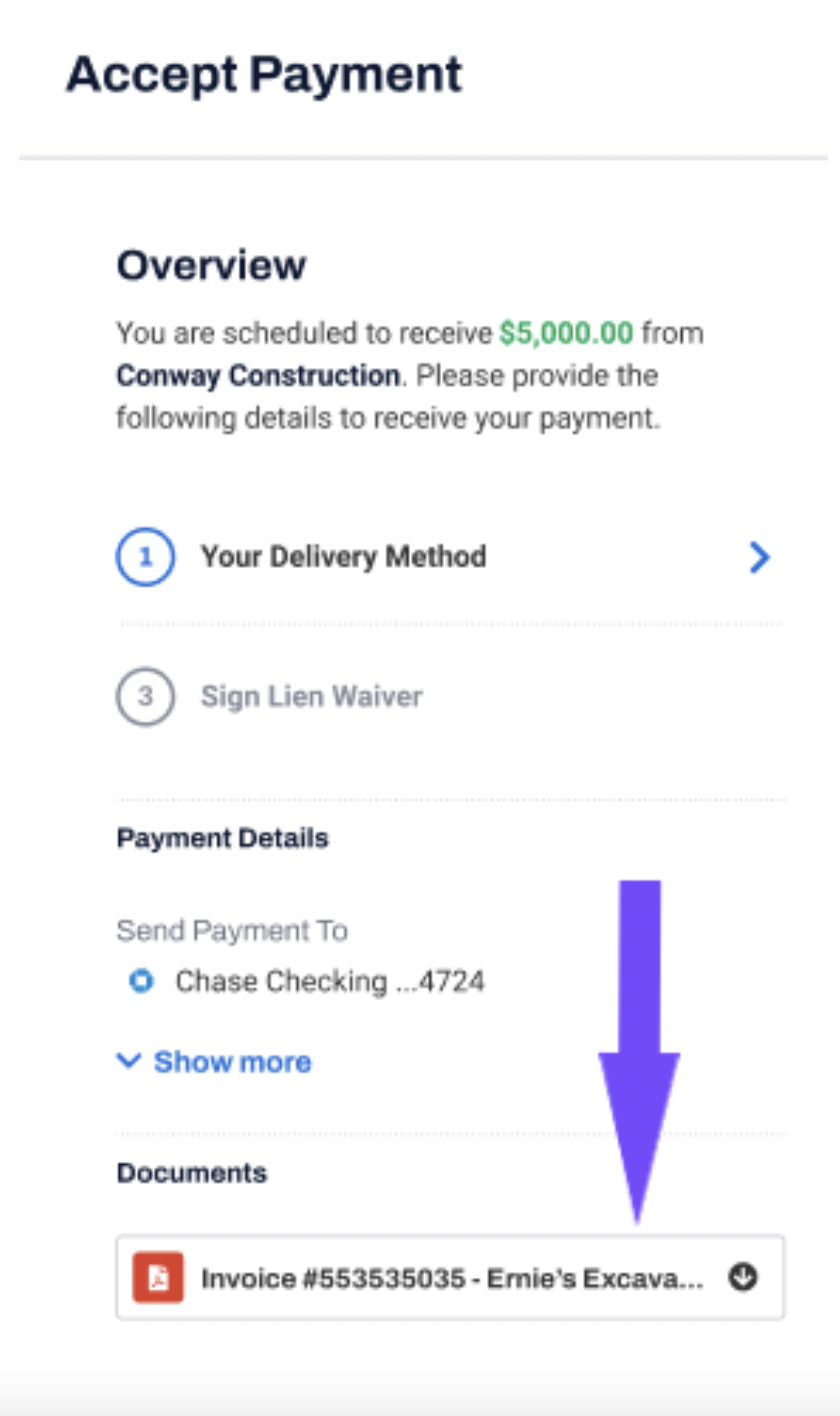
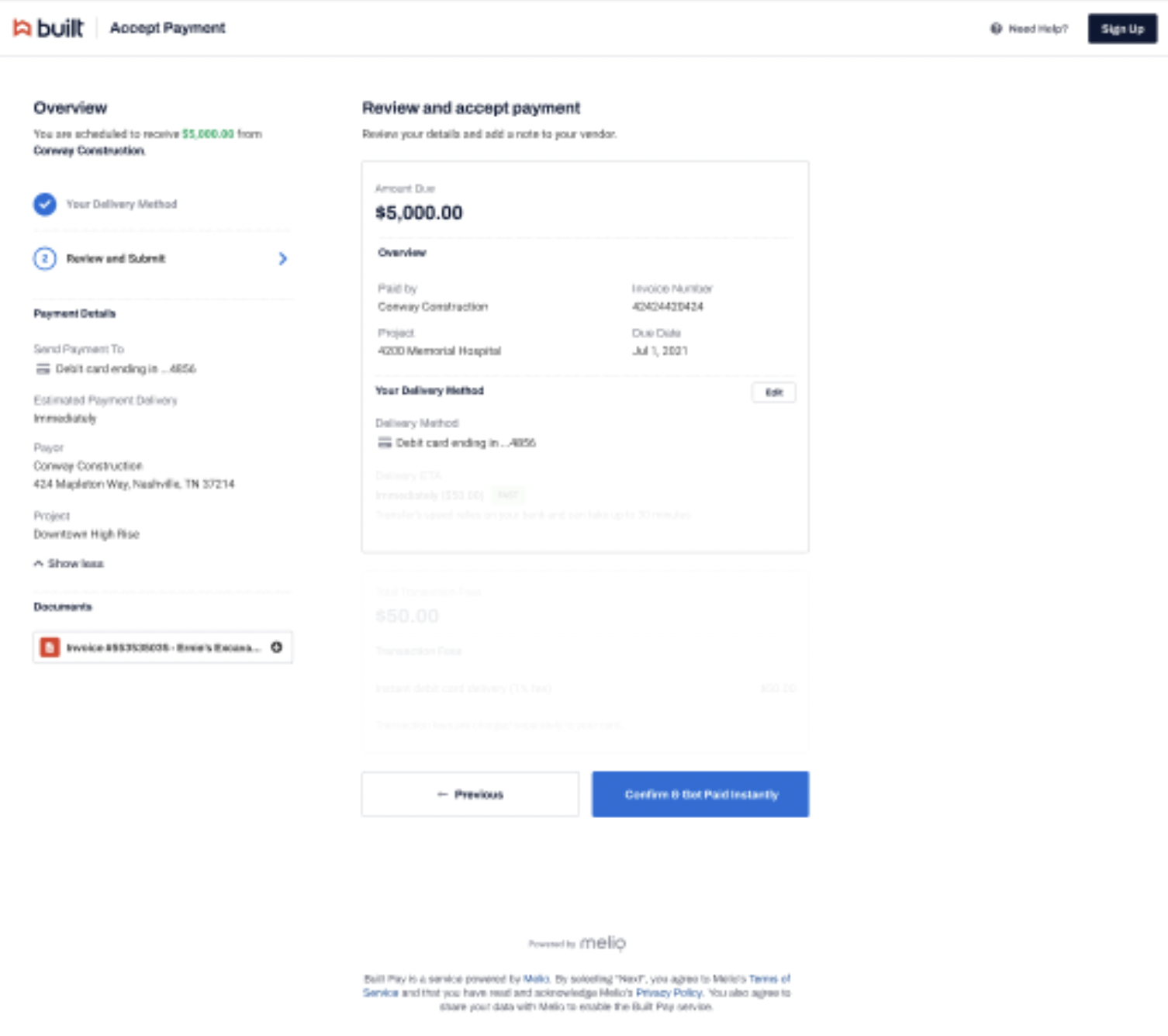
- Payment confirmation - At the end of the process your vendor will see a summary of the payment. This summary includes: delivery method, estimated delivery date, your business information and name of the project.
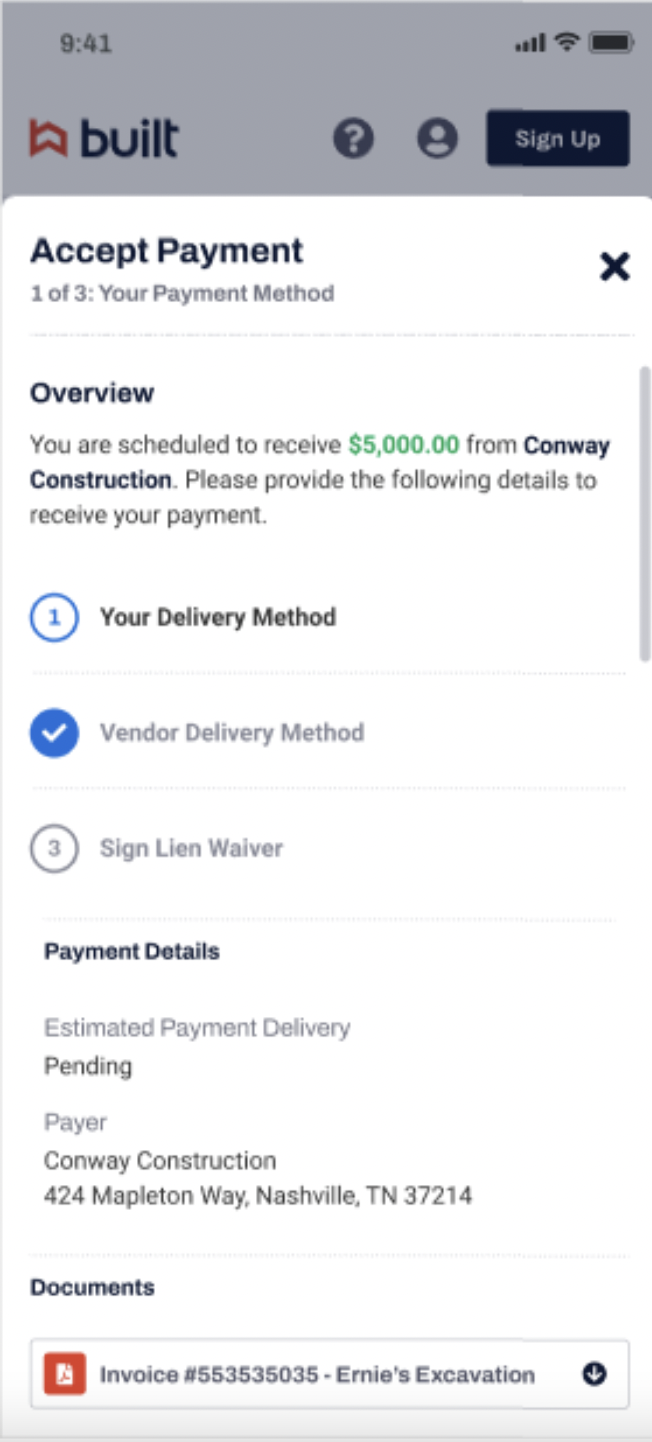
Mobile
Your vendor can follow this process on their mobile, even though Built Pay is an online platform and not an app. The web pages are fitted to the mobile view for easy use.
IMPORTANT NOTES:
- Your vendor doesn’t need to be registered to Built Pay in order to receive your payment.
- If your vendor chooses to change the delivery method, you will be notified and the new details will be saved for future payments to this vendor.