If you don’t have your vendor’s ACH details or mailing address, That’s okay!
When asked to select how your vendor receives payment, you might not have their information (ACH details or check delivery address). As part of the payment workflow you can ask your vendor for their payment details.
- Log in to Built Pay.
- Go to your Pay Bills dashboard.
- Make a payment as you usually do.
- Making a payment for the first time? Follow this article.
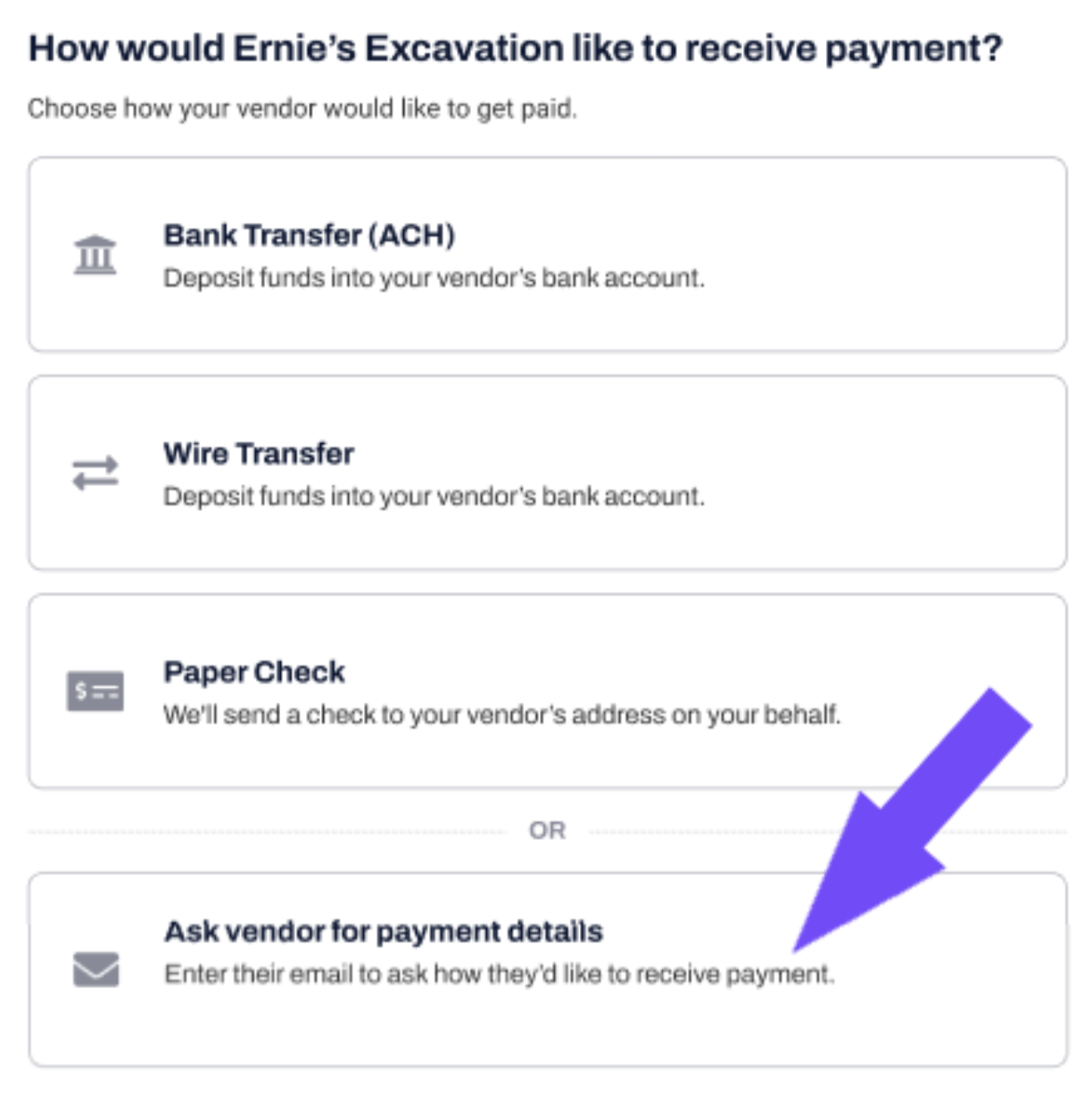
- When you’re asked how your vendor would like to receive the payment click Ask vendor for payment details.
- Enter your vendor’s contact information.
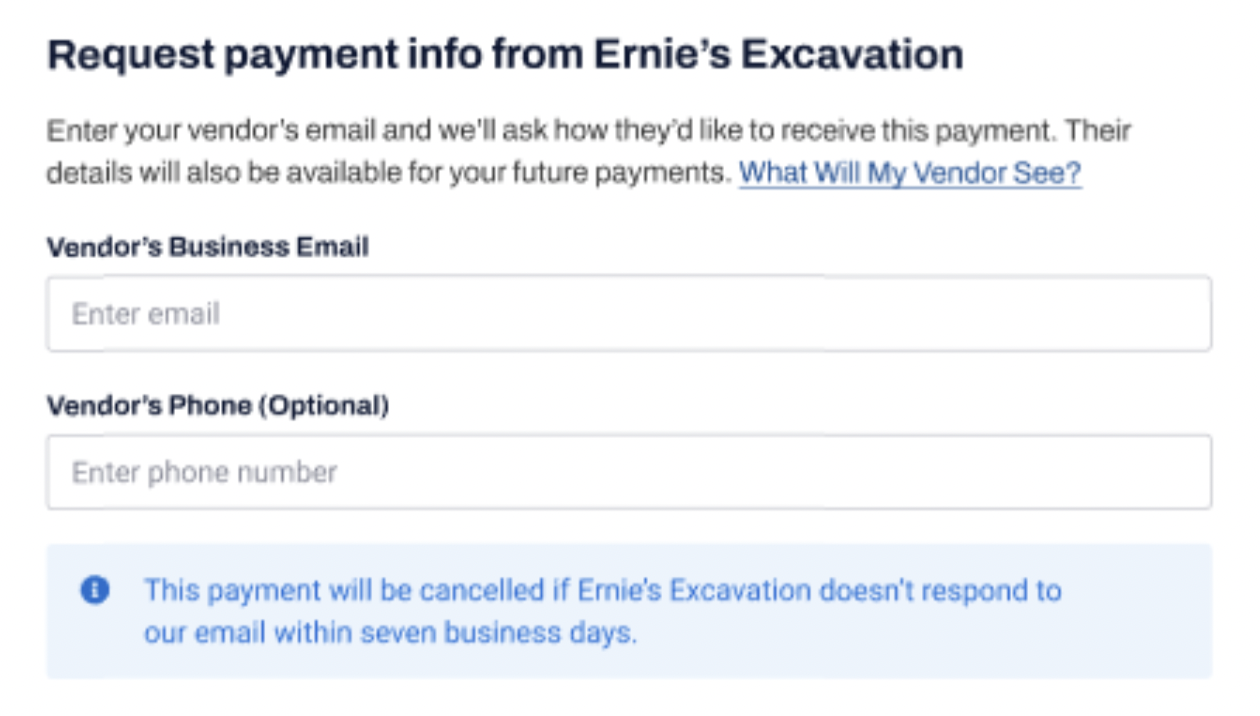
Once you enter and submit your vendor’s email address, they’ll get a message with instructions on how to securely receive your payment. The message will include your details so they easily recognize who it’s from.
How will this affect delivery time?
Payment delivery time depends on when your vendor fills out their details. Once they do, you’ll receive an email notification with an estimated time of delivery, which is usually 5-7 days for a check and 1-2 days for ACH. Learn more about our times of delivery.
Does the payment details request link ever expire?
The link remains valid for 7 business days. If your vendor does not send their details, the payment will be canceled and your bill will be moved back into your Received list. You will receive notification via email.
The button is missing! Why can't I see the option to request details?
It's possible you don't have this option because you have not yet verified the bank account from which you're trying to make the payment. Follow this article to automatically connect your bank account or enter your account manually and verify it with micro-deposits.
What if I've previously made a payment to the vendor, and already filled out the payment details?
Even if you entered your vendor’s details, they will be asked how they would like to receive your payment. They can change the delivery method and consequently the delivery date.
NOTE: If your vendor changes the delivery method you will be notified and the details will be saved for future payments.
Learn more about what your vendor will see in this article.
Have more questions? Go to the main page to see all the articles available.